The Hidden Risks of Poor Stage Management

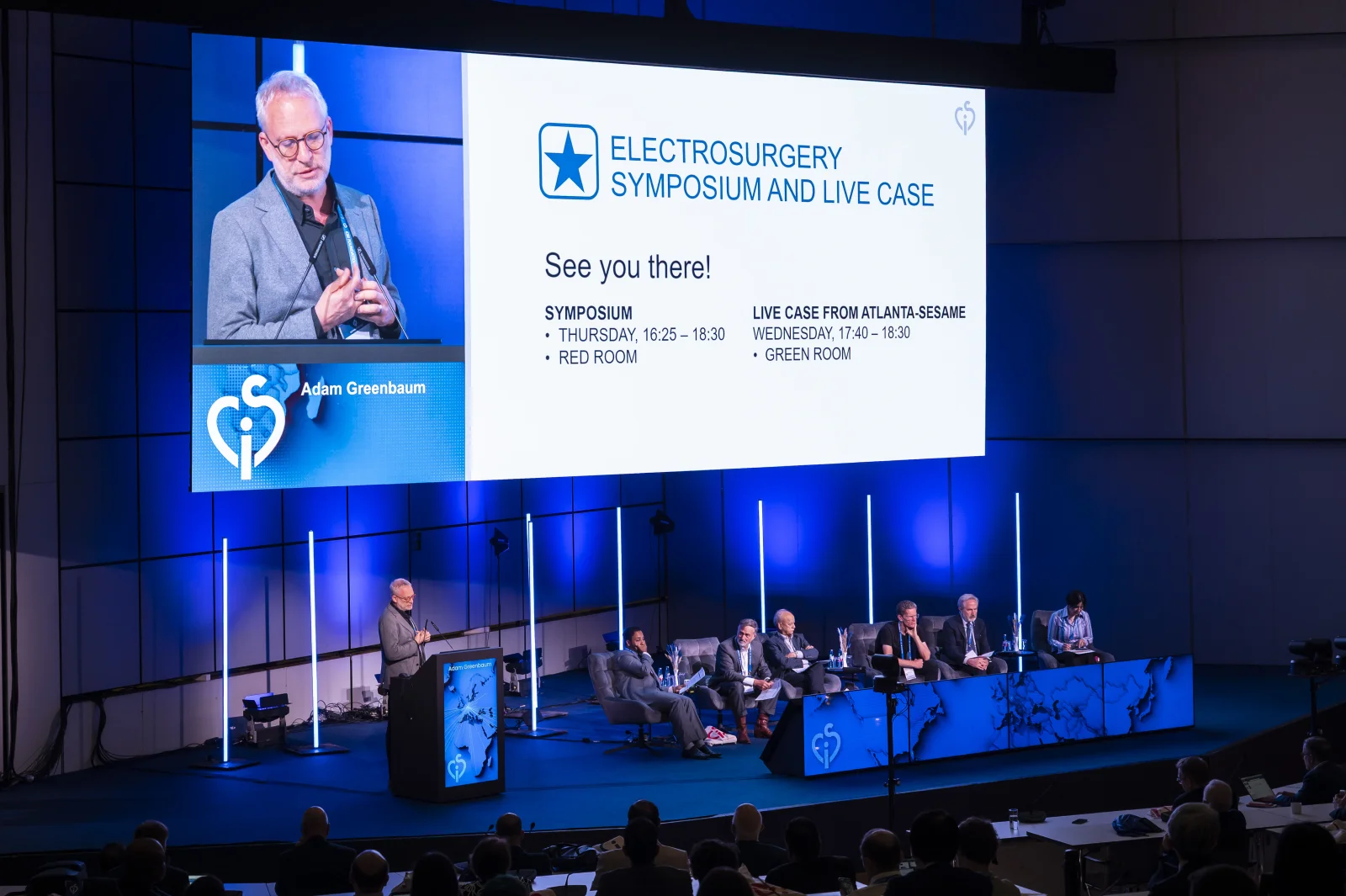
There’s a moment at almost every conference where things get tense: A speaker steps up, the file won’t open, the video lags, or the moderator has the wrong version. Suddenly, what should be a smooth presentation becomes a scramble.
If you’ve worked behind the scenes, you know the feeling.
But why do these issues happen so often, even at well-funded events? And what can organizers do to prevent them?
Let’s break it down.
Common Pitfalls in Conference Presentation Management
-
Last-Minute Uploads
Speakers often send their files late, sometimes hours before they’re on stage. Without a central system, these uploads end up in inboxes, on USB sticks, or scattered across devices.
Picture this scenario: It’s 8:45 AM, and your keynote speaker is scheduled to present at 9:00 AM. Your AV technician is frantically checking three different email accounts, a Dropbox folder, and a USB drive handed over at registration. The file finally appears at 8:52 AM – but it’s 250MB and takes four minutes to transfer. The speaker walks on stage at 9:03, already flustered, and the presentation starts with visible tech team members scrambling to get everything loaded. First impressions matter, and this one just set a chaotic tone for the entire event.
-
Format Issues & Broken Media
Videos don’t play, fonts change, slides get cropped. If a presentation isn’t checked and standardized ahead of time, even minor design choices can cause major disruption.
One conference organizer shared a painful memory: a speaker had embedded high-resolution videos using codecs not supported by the venue’s playback system. Mid-presentation, the videos displayed as black screens with error messages. The speaker, embarrassed, had to narrate what the audience should have been watching. The session – meant to showcase groundbreaking research with compelling visuals – fell flat. The worst part? A simple pre-event file check would have caught this issue, allowing time to convert the videos or adjust the presentation format.
-
No Version Control
A speaker updates a slide, but the control room still has the old file. Without proper version tracking, it’s easy to play the wrong version at the wrong time.
At a medical conference, a researcher updated critical data in their presentation the morning of their session after receiving new results. They uploaded the new version, assuming it would automatically replace the old one. It didn’t. The control room launched the outdated version, and the speaker spent the first five minutes confused about why their slides didn’t match their notes. The audience noticed the disconnect, and the speaker’s credibility suffered – all because of a version control gap that could have been avoided with a proper file management system.
-
Fragmented Workflows
When presentations, signage, and speaker scheduling live in different tools, the risk of miscommunication grows. Tech teams, moderators, and organizers all need to be on the same page.
Imagine your AV team working from a spreadsheet, your moderators using a mobile app, your signage pulling from a third system, and your presentations stored in yet another location. A last-minute speaker swap happens – not uncommon at conferences – and suddenly four different systems need manual updates. Miss one update, and you end up with digital signage showing the wrong speaker name, moderators introducing someone who isn’t presenting, and the tech team cueing up a completely different presentation. This exact scenario happened at a 500-person tech summit, creating such confusion that the session had to restart twice.
Real-World Impact: When Stage Management Goes Wrong
The consequences of poor presentation management extend far beyond momentary embarrassment. They have real, measurable effects on your event’s reputation and success.
Attendee dissatisfaction and refund requests. When multiple sessions start late or experience technical difficulties, attendees feel they’re not getting value for their investment. At one business conference, persistent AV issues led to 23 refund requests and dozens of negative reviews specifically mentioning “unprofessional technical execution.” The financial loss was immediate, but the reputational damage lasted much longer.
Speaker reluctance to return. Professional speakers talk to each other. When word spreads that your event has chaotic tech support, securing high-quality speakers for future events becomes harder. One industry association reported that after a particularly rough conference year with multiple tech failures, three of their top-rated speakers declined to return, citing concerns about “being set up to fail.”
Team burnout and stress. Your AV and event management teams bear the brunt of disorganized presentation workflows. Constantly firefighting avoidable problems isn’t just exhausting – it’s demoralizing. Staff turnover in event tech roles often correlates directly with the quality of systems and processes. Good people leave chaotic environments, even if they love the work itself.
Lost opportunities for content reuse. When presentations are scattered, version-controlled poorly, or never properly archived, you lose valuable content assets. Many organizers want to repurpose session content for marketing, create highlight reels, or offer on-demand access to attendees. But if your presentation files are a mess, this becomes impossibly time-consuming or simply doesn’t happen. That’s potential revenue and engagement left on the table.
What Makes a Strong Presentation Management Setup
Good AV support isn’t just about cables and clickers. It’s about preparation, visibility, and calm execution.
Here’s what to look for in a presentation management system:
- Centralized uploads: One place for speakers to submit, review, and update.
- Automatic file checks: Flag common issues like missing fonts or incompatible media.
- Control room interface: A backstage tool to review and launch slides without interruptions.
- Kiosk mode: For smaller events, let speakers self-manage from a clean interface.
- Digital signage: Sync your program to screens across the venue, automatically updated.
- Session timing tools: Countdown clocks and timers keep everyone on schedule.
Backstage Workflows that Just Work
Great stage experiences don’t happen by accident – they rely on seamless coordination behind the scenes. Let’s walk through what an ideal workflow looks like from start to finish.
Pre-event submission and verification: Weeks before the event, speakers receive automated reminders to upload their presentations to a central portal. As files are uploaded, the system automatically checks for common issues – unsupported file formats, missing embedded fonts, broken links, or videos that exceed size limits. If problems are detected, speakers receive immediate feedback with clear instructions on how to fix them. This early warning system prevents 90% of day-of technical issues.
Version control and updates: Speakers can update their presentations right up until their session time, but the system maintains clear version history. The control room interface shows timestamps and version numbers, ensuring the tech team always loads the most recent approved file. If a speaker makes a last-minute change, the system sends an automatic notification to the AV team, preventing the “wrong version” scenario entirely.
Day-of coordination: On event day, the control room interface displays a real-time schedule showing which presentations are queued, currently playing, and coming up next. With a single click, technicians can preview any presentation, check its status, and launch it at the precise moment needed. No more hunting through folders or asking “which file is the keynote again?”
Cross-system synchronization: When a session starts, the system updates not just the main display but also digital signage throughout the venue, the mobile event app, and any streaming platforms. Everything stays in perfect sync without manual intervention. If a session runs long or there’s a schedule change, one update propagates everywhere instantly.
This level of coordination isn’t just convenient – it’s transformative. Your tech team shifts from reactive firefighting to proactive management. Speakers experience professionalism that makes them feel valued. And attendees enjoy seamless sessions that start on time and run smoothly.
Slideshow City supports this entire process without adding friction, so your team can focus on the moment, not the tech.
Pre-Event Technical Checklist for AV Teams
Even with great systems, preparation matters. Here’s a practical checklist to ensure your AV team is ready:
Two weeks before:
- Verify all speakers have uploaded presentations or set clear deadlines
- Test file compatibility on your actual playback systems
- Confirm backup display and audio equipment is available
One week before:
- Run through the complete presentation sequence for each room
- Test all videos, animations, and embedded media
- Verify internet connectivity if presentations require live demos
- Brief moderators on timing signals and backup procedures
Day before:
- Do full tech rehearsals in each session room
- Test all clickers, microphones, and confidence monitors
- Load and preview every presentation in order
- Establish clear communication channels (radio, Slack, etc.)
Morning of:
- Arrive at least 90 minutes early for final checks
- Have backup laptops ready with all presentations pre-loaded
- Designate one person as the single point of contact for speaker tech issues
- Do a quick run-through of the first three sessions
Having these systems and processes in place transforms your event from hoping everything works to knowing it will.
Final Thoughts
What happens behind the scenes can shape how your entire event is remembered. Technical issues, delays, or awkward transitions on stage don’t just impact the moment – they impact the experience.
With a smooth setup and structured workflow, speakers feel prepared, sessions stay on time, and your team can focus on delivering a great event.
Well-managed presentations aren’t just a technical task – they’re part of your brand.