How to Choose the Right Event Tech Stack for Your Conference

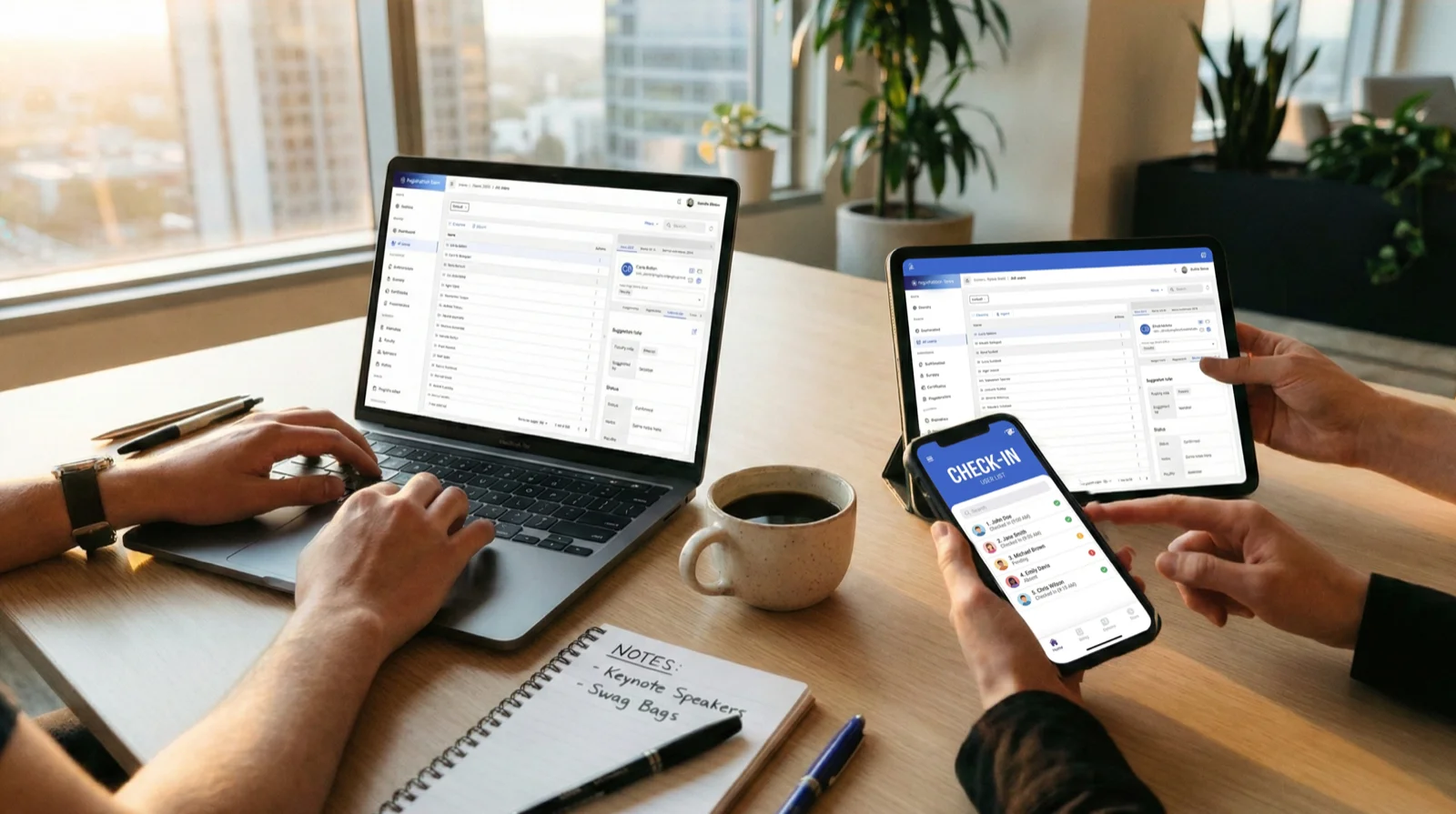
Choosing the right technology stack for your conference is more than a technical decision – it’s a strategic one. The tools you use influence everything from attendee experience to team coordination and even your post-event analytics. In a world of increasing complexity and choice, how do you decide what belongs in your toolkit?
Let’s break down what an effective event tech stack looks like and how to choose the right combination for your needs.
Why Your Tech Stack Matters
A streamlined, well-integrated tech setup improves operational efficiency, reduces human error, and delivers a better experience for everyone involved. On the flip side, a poorly chosen or fragmented stack leads to stress, duplication, and missed opportunities. When the right systems are in place, your team works with more confidence, and your attendees notice the difference.
Core Components of an Event Tech Stack
Here are the essential building blocks most modern conferences need:
1. Registration and Ticketing
This is where your attendee journey begins. Your registration system should be flexible, mobile-friendly, and easy to customize. Must-have features include:
- Group registrations
- Custom fields for data collection (e.g. dietary needs, accessibility support)
- Secure payment processing
- Invoice and confirmation email generation
Look for tools that allow integration with your CRM or email marketing platform so you can keep communications smooth before and after the event.
2. Speaker and Agenda Management
Speakers are a huge part of your program, and keeping their details organized matters. A good system should:
- Collect bios, headshots, and abstracts
- Track travel and accommodation details
- Allow updates to the agenda in real-time
- Push changes to your website or app automatically
When you’re juggling dozens of speakers across multiple tracks, these features help reduce back-and-forth and ensure everyone is aligned.
3. On-Site Logistics
Check-in and access control should be fast and reliable. This includes:
- QR code-based badge scanning
- Real-time attendee tracking
- Room capacity monitoring
- Certificate generation (for CPD/CE sessions)
An integrated check-in system helps you avoid long queues and provides useful analytics later on.
4. Presentation and Signage Management
Don’t overlook the importance of on-stage flow and information displays. Tools like Slideshow City support this part of your event:
- Centralized slide uploads
- Review processes to catch common presentation issues
- Control room interfaces and kiosk mode
- Real-time digital signage updates
When your AV setup runs smoothly, the entire event feels more professional.
5. Engagement Tools
Live polls, Q&A sessions, matchmaking features – these extras increase attendee interaction. If your event is hybrid or virtual, this part of the stack becomes even more essential.
How to Choose the Right Tools
With so many providers out there, it’s easy to get overwhelmed. These criteria can help you narrow down your options:
Ease of Use
Don’t just consider your tech team: think about volunteers, moderators, and attendees. If people need training just to use the platform, it might not be the right fit.
Integration and Interoperability
Do your tools talk to each other? Can data flow from your registration system to your email campaign? Can your speaker details feed directly into your website agenda? Integration saves time and avoids manual errors.
Scalability
If your event grows, will your tools grow with you? Think about capacity, support, and feature flexibility over time.
Support and Onboarding
Even the best software fails when support is lacking. Look for providers who offer live support during the event or who can step in to troubleshoot last-minute issues.
Avoiding Common Pitfalls
Event organizers often run into problems when:
- Choosing too many disconnected tools that don’t integrate well
- Underestimating the learning curve for staff or volunteers
- Overpaying for features that aren’t relevant to their audience
- Relying on outdated legacy systems with no support
To avoid these, test tools early, involve your whole team in the decision-making process, and think about your specific pain points rather than general trends.
Building a Stack That Fits
There’s no one-size-fits-all solution. A medical conference with strict privacy rules will need different tools than a startup showcase focused on networking and lead gen. What matters most is that your tech stack supports your goals and simplifies your workflow.
At Summitware, we help event teams build a tech ecosystem that fits. Our tools – Registration Town and Slideshow City – are built to integrate, simplify, and support real-world conference needs.
Final Thoughts
Choosing your event tech stack is one of the most important planning decisions you’ll make. It’s not about finding the flashiest tool or jumping on the latest trend – it’s about building a reliable system that supports your team, your attendees, and your goals.
Take time to evaluate your current pain points, involve your team in the selection process, and look for providers that offer both strong features and real support.
A great tech stack doesn’t just make your event easier to run – it makes it better for everyone involved.